I am super stocked to showcase a new script. The script is the banger, since it can modify and improve massively already deployed Power BI reports, within just a few minutes. Just run the script and all reports of one Power BI workspace are automatically upgraded. This is definitely an extension to my previous PIMP scripts, but obviously on a whole other level.
Before:
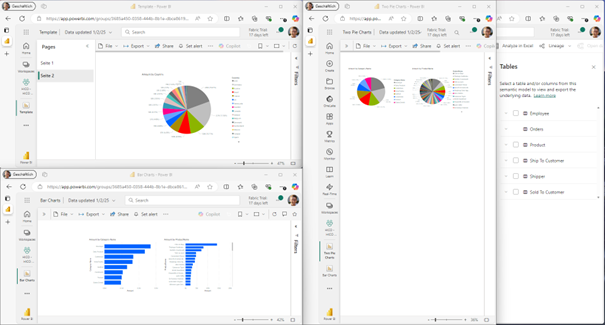
After:
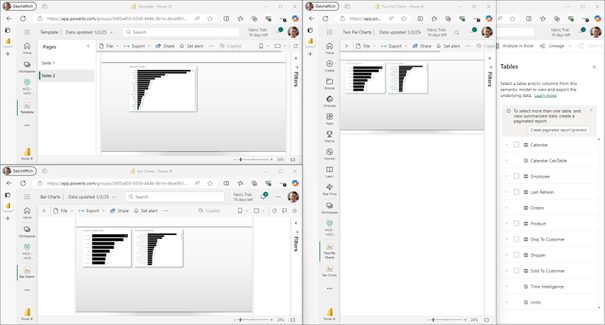
IMHO this script is just a small glimpse into what’s going to happen. Report Generators and other pimp scripts will exist soon a lot more. Currently I need to use the script very cautiously, since it modifies and overwrites ALL reports of one workspace, but copying could just as well be easily possible.
Yes the script is using the new project save format but TMDL is already GA and therefore the default save format is also already the Power BI project file format. Unfortunately the script does not yet export the new PBIR and instead the “old” report.json. But as soon as PBIR is GA, I am hopeing that also the export will be in the new format.
Here is what my Fixer script currently consists of:
- Workspace-Wide Automation:
- Replace pie charts with bar charts for better visual clarity.
- Apply a custom design theme to all reports.
- Adjust report page size to 1080×1920 for optimized display.
- Download, modify, and re-upload all reports in a selected workspace.
- Selective Report Enhancements:
- Add a Calendar Power Query Table.
- Add a Calendar Calculated Table.
- Add empty measure table with a last refresh timestamp measure.
- Add a Units Calculation Group.
- Add a Time Intelligence Calculation Group.
Here is how it works:
I am running my Powershell script and than the following steps are followed through:
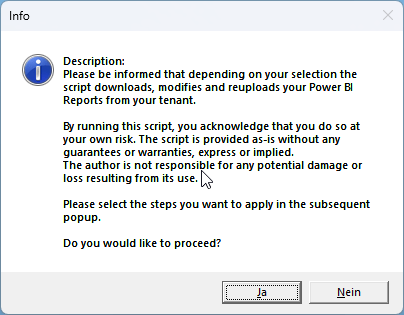
- Disclaimer
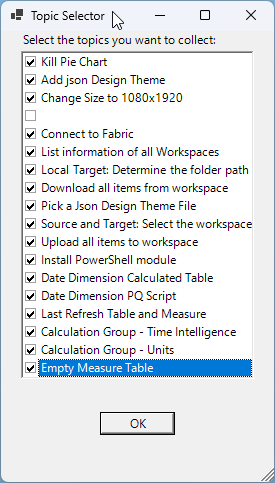
2. Topic Selector (yes, this needs to be improved)
3. Login to Power BI
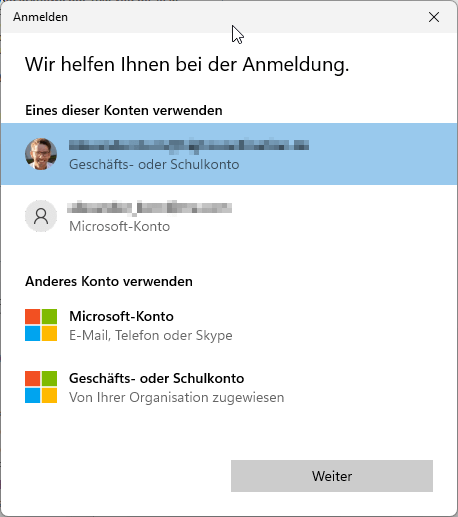
4. Select Workspace

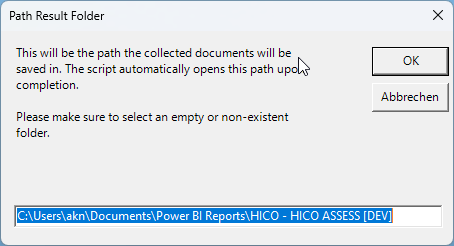
5. Select Path where a local copy of all reports shall be saved to
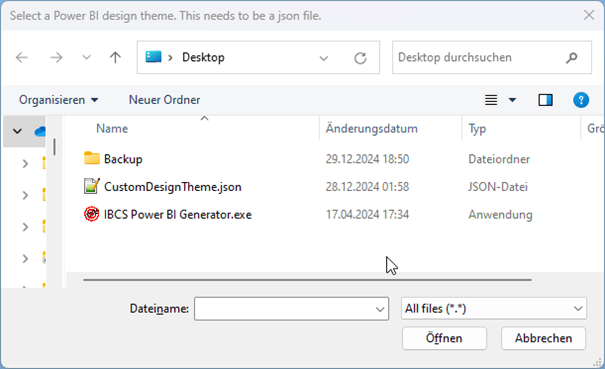
6. Select Design Theme to use
7. Script downloads all items

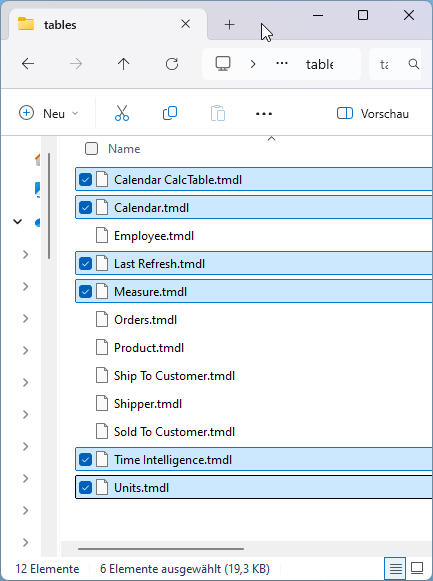
8. Select Power BI semantic model which shall be updated (all other changes are applied to all reports)
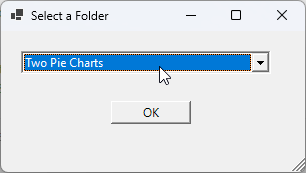
9. Script uploads all items back again to workspace again
10. Refresh browser to see result
 Blog about Actionable Reporting - Alexander Korn